 Markdown Monster
Markdown Monster 4.5 Release Notes
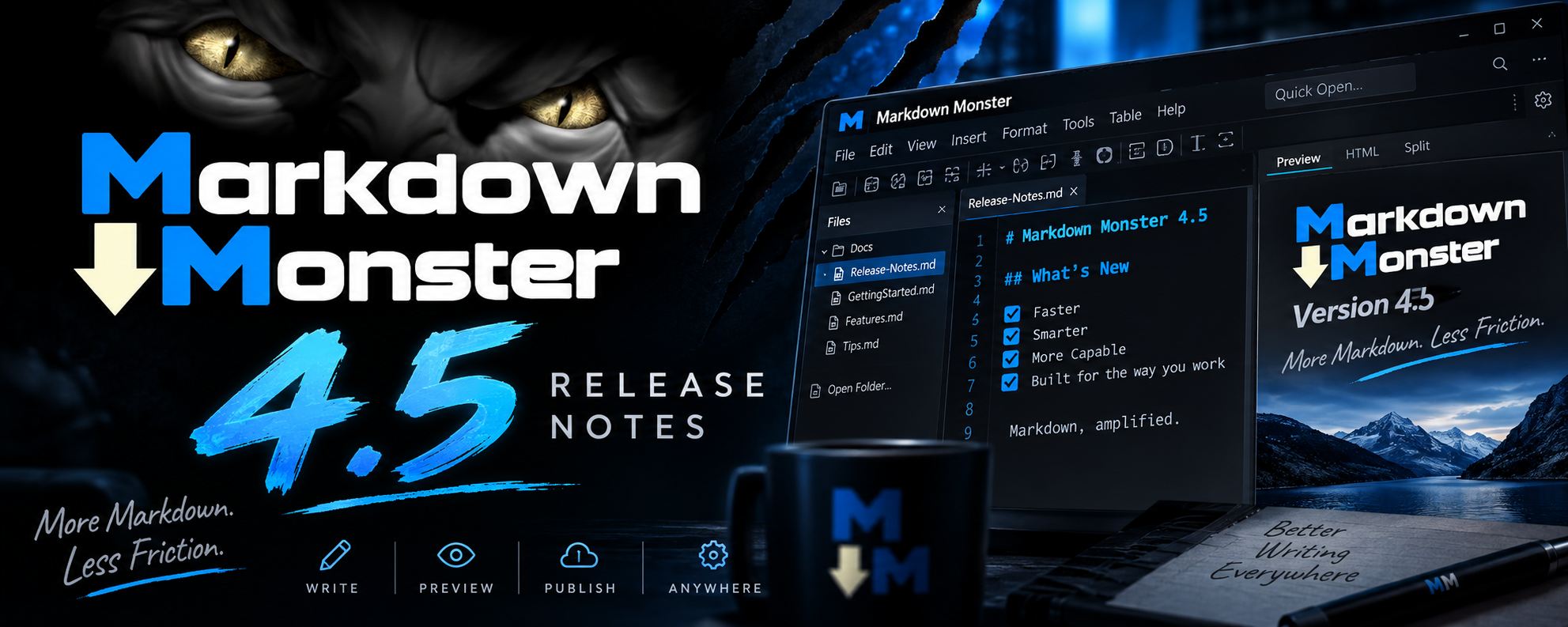
Markdown Monster 4.5 replaces the legacy ACE editing surface with Microsoft's Monaco Editor. This update brings integrated inline diff editing, an improved Find and Replace experience, an optional document minimap, and helpful scrollbar markers. Version 4.5 also adds Razor and cURL syntax highlighting, an upgraded Highlight.js engine, proportional editor resizing, and cleaner named placeholders for launching external tools.
Windows Protected your PC: Dealing with Windows SmartScreen on Installation

Windows SmartScreen’s "Windows protected your PC" warning often scares users away from legitimate software. This post explores why this reputation-based mechanism triggers—even for signed binaries from established developers—and provides a step-by-step guide for users to bypass the obscured "More info" dialog. It also discusses alternative installation methods, such as WinGet and Chocolatey, to avoid these warnings and improve the user experience for small software vendors.
Create a .NET PlantUML Markdown Render Extension
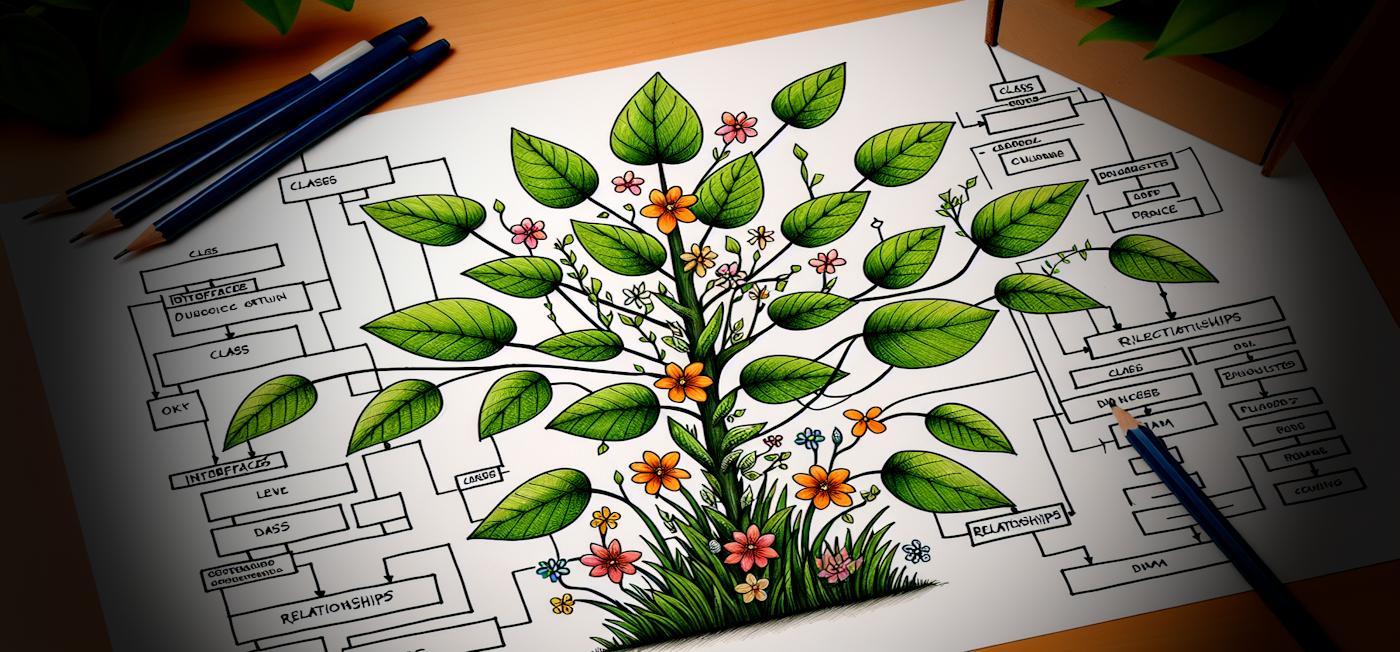
PlantUML is a Web based diagramming markup language that can be used to create diagrams using text descriptions that are rendered into images via a PlantUML server. In this post I describe how you can integrate PlantUML image rendering into your .NET application, specifically from a Markdown rendering perspective as Markdown documents are the most common mechanism that PlantUML output is delivered.
Taking down the Markdown Monster Source Code
With a heavy heart and a lot of hand wringing, I decided last week to take down the Markdown Monster source code from the public GitHub repository due to rampant abuse of the code to get around licensing restrictions. In this post I give some insight on why I made this decision and provide some general thoughts around the state of software development for software tools.
Why use a dedicated Markdown Editor?
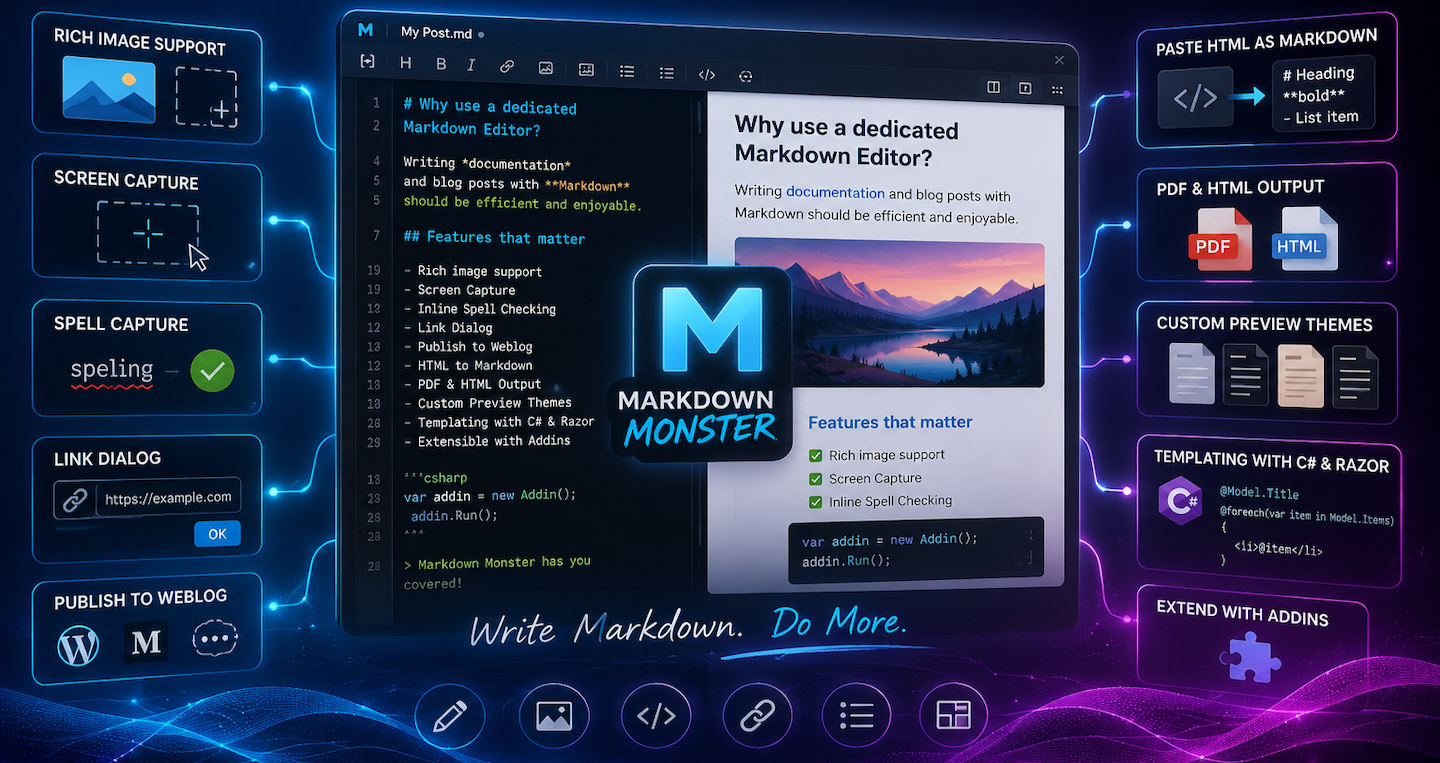
Most generic editors have support for Markdown syntax and for many basic markdown editing tasks that might be fine. But if you're extensively working with Markdown on a regular basis it is constructive to use a dedicated Markdown editor that understands many common Markdown operations and can greatly simplify and speed them up as well as providing useful support features for linking and embedding. In this post I describe why I use a dedicated Markdown editor rather than a generic editor for my Markdown editing.
Favorites for better Document Management in Markdown Monster
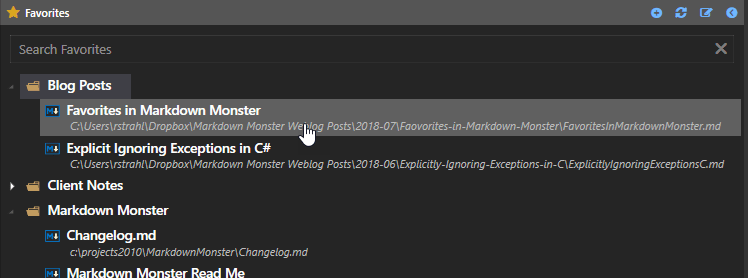
Markdown Monster 1.12.6 introduces a new Favorites feature that makes it easy to add your most commonly used documents to a reusable list of file links. While this is nothing new for browsers, it's a somewhat novel idea for file management, especially when maintain a huge number of lists and notes with Markdown or other text content.
FolderBrowser Enhancements in Markdown Monster
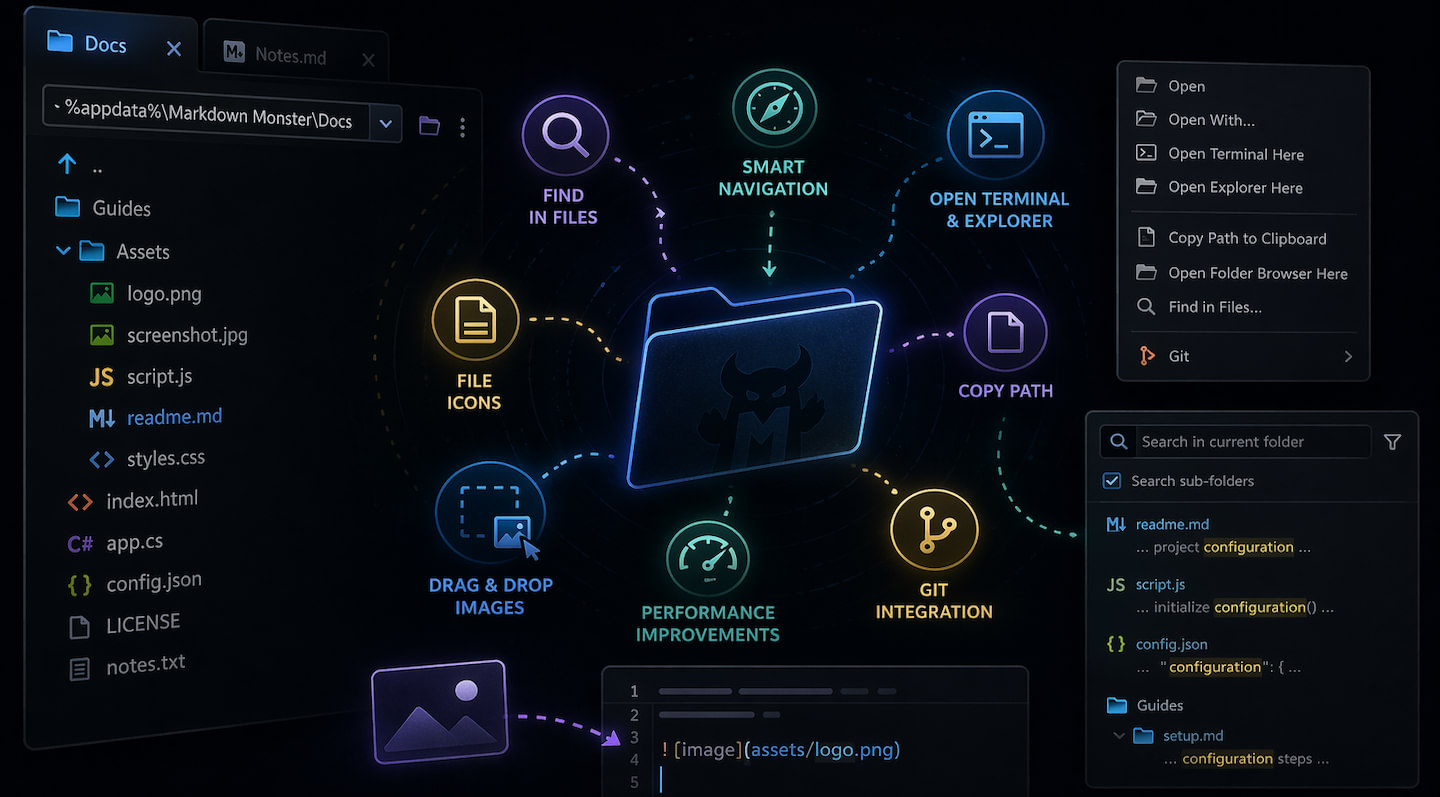
The latest version of Markdown Monster (v1.8.12) significantly upgrades the Folder Browser, turning it into a more capable file management hub. The update adds a modern UI with descriptive file icons, smarter navigation with autocomplete paths and environment variable support, and dynamic loading for improved performance in large folders. New productivity features include Find in Files, tighter drag-and-drop image support, and expanded Terminal, Explorer, and Git integration—making project asset management faster and more intuitive directly within the editor.
Creating a Markdown Monster Addin: Save Images to Azure Blob Storage

The Markdown Monster Markdown Editor and Weblog Publishing tool has a .NET based addin model that makes it relatively easy to extend its core feature set with custom functionality. In this post I show how you can quickly create an addin of your own, and then show a practical example that demonstrates how add Image uploading to Azure Blob storage as an interactive addin.
Getting Images into Markdown Documents and Weblog Posts with Markdown Monster

One good justification for using a rich editor for editing Markdown or a Weblog entry is that you can provide some additional features above and beyond what a simple text or code editor can provide. When you're creating content you are usually dealing with a number of things beyond plain text like code snippets, feature widgets and most importantly - **images**. Markdown Monster
Introducing Markdown Monster - a new Markdown Editor

I'm happy to announce Version 1.0 of Markdown Monster a Markdown Editor and Weblog Publishing tool for Windows. In this post I give a quick tour of Markdown Monster and provide links to all you need to know to check out this great new Markdown editor.